
Your portion. Your call.
What is on the plate is only the starting point. What you consume is what you log.
 PLaiTEFUL
AI calorie and macro tracking for iPhone. Log by photo, voice or text. Didn't finish? Snap your leftovers or adjust the percent eaten. Your logged calories and macros adjust with you.
Try the percent-eaten sliderWhat is on the plate is only the starting point. What you consume is what you log.
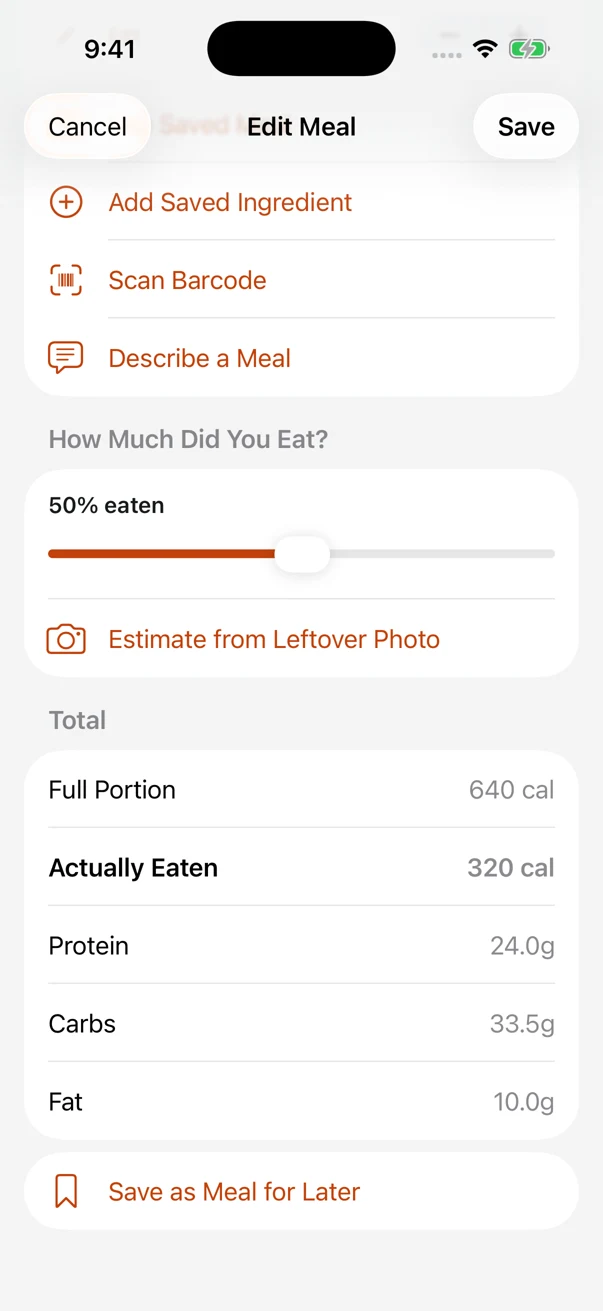
You don't have to finish the plate. Open Edit Meal and dial down Percent Eaten, or use a leftover photo to help estimate it. At 50%, half the meal's calories and macros count toward your day—not the whole serving.
ANOTHER WAY TO COUNT WHAT COUNTS
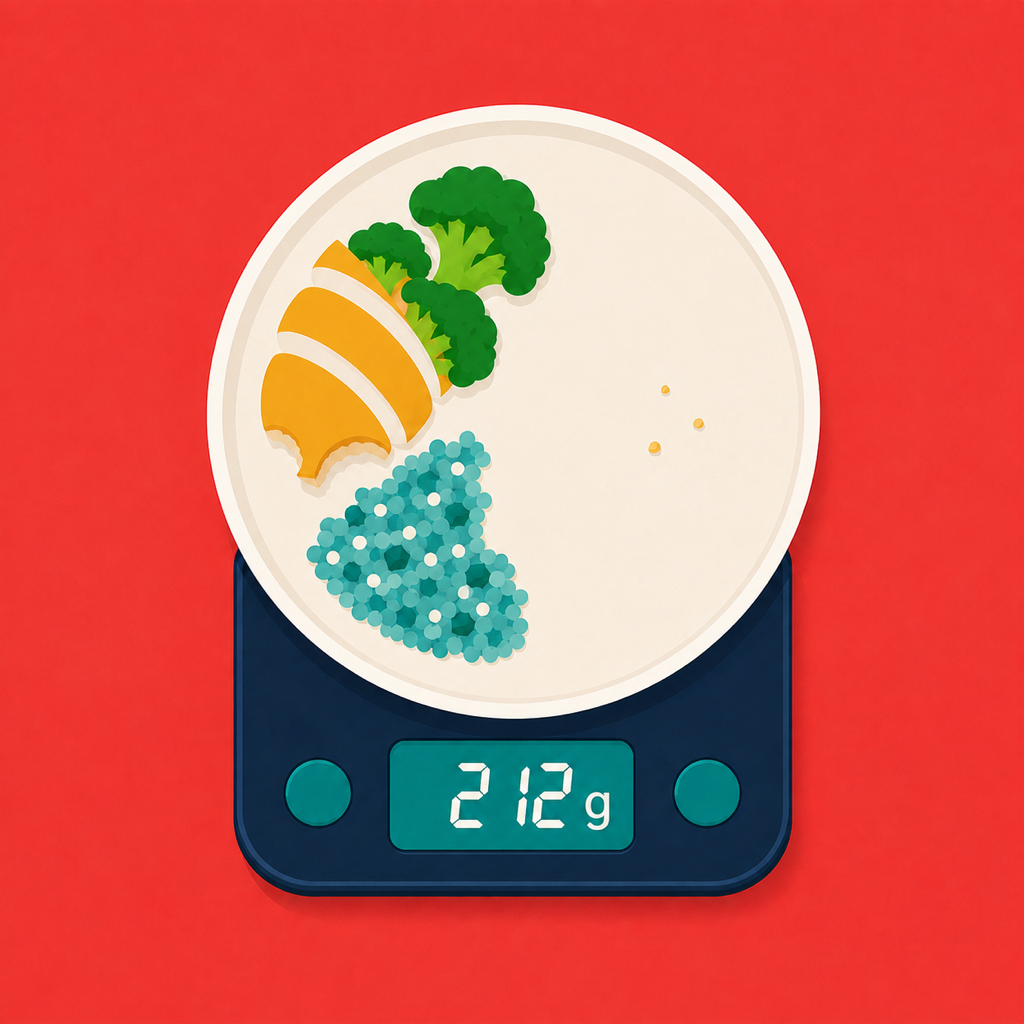
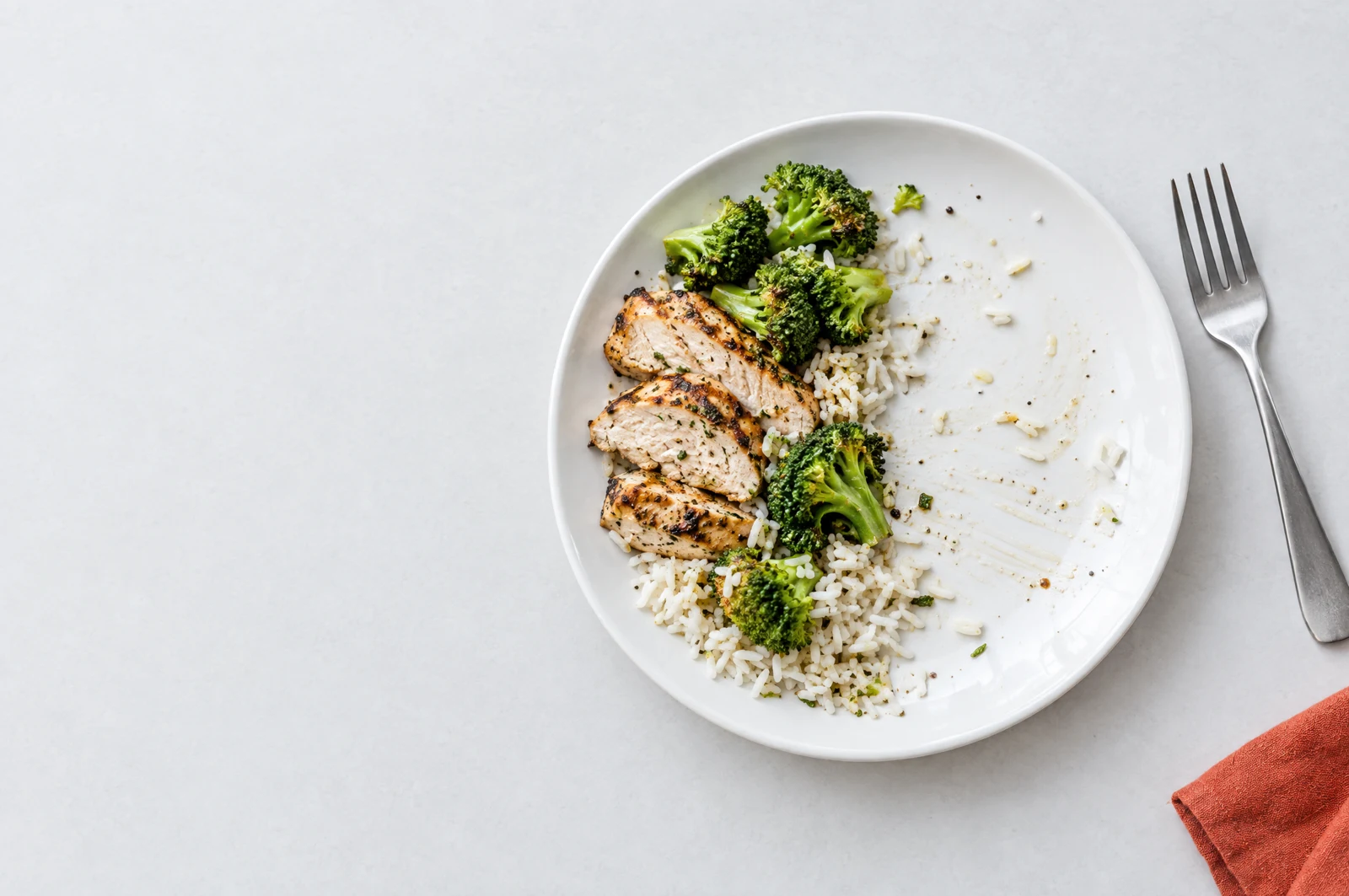
Your last bite doesn’t have to be the last thing on your plate. Take a photo of the leftovers and let Plaiteful help estimate how much you ate—so what you leave comes off your meal total.
In Edit Meal, tap “Estimate from Leftover Photo” and photograph what’s left.
Check the AI estimate of your percent eaten. Adjust it if needed.
Your meal’s logged calories and macros scale to the reviewed portion.
Find it in Edit Meal
Estimate from Leftover Photo
PHOTO / VOICE / CONTROL

Snap your meal, type a description or speak a quick entry. AI suggests calories and macros for each ingredient.

Check what was identified. Pick among ambiguous foods and correct names, amounts or nutrition before saving.
Didn’t finish? Photograph the leftovers in Edit Meal. Review the estimated percent eaten, adjust if needed and save. Calories and macros scale with it. You can also use the slider.
Photo. Review. Log. A simple start before life gets busy.
Calories, protein, carbs and fat. Breakfast, lunch, dinner and snacks. A clear view of your day, without re-entering everything.
Actual app screens · fictional sample data

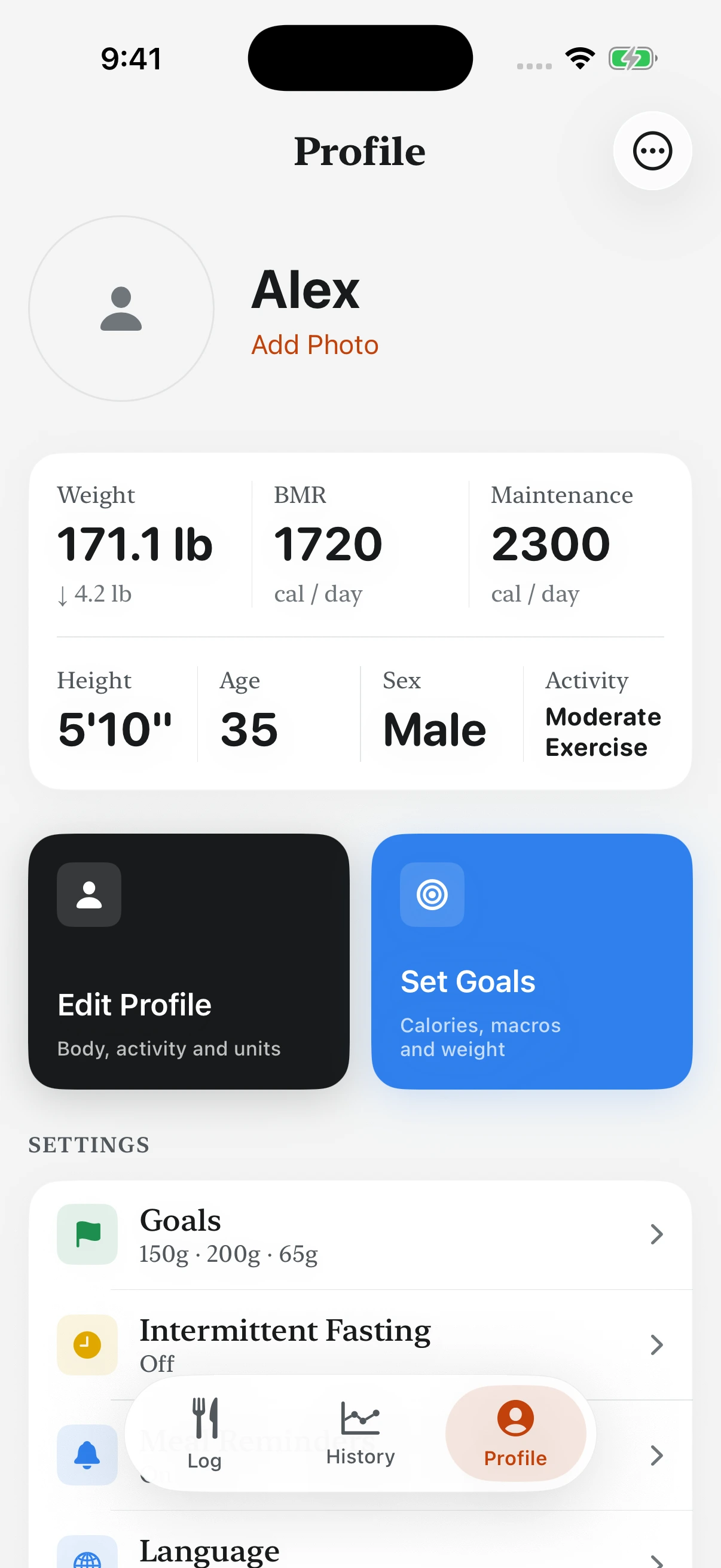

Save a meal with its ingredients and macros intact. Bring it into another day without describing it again.
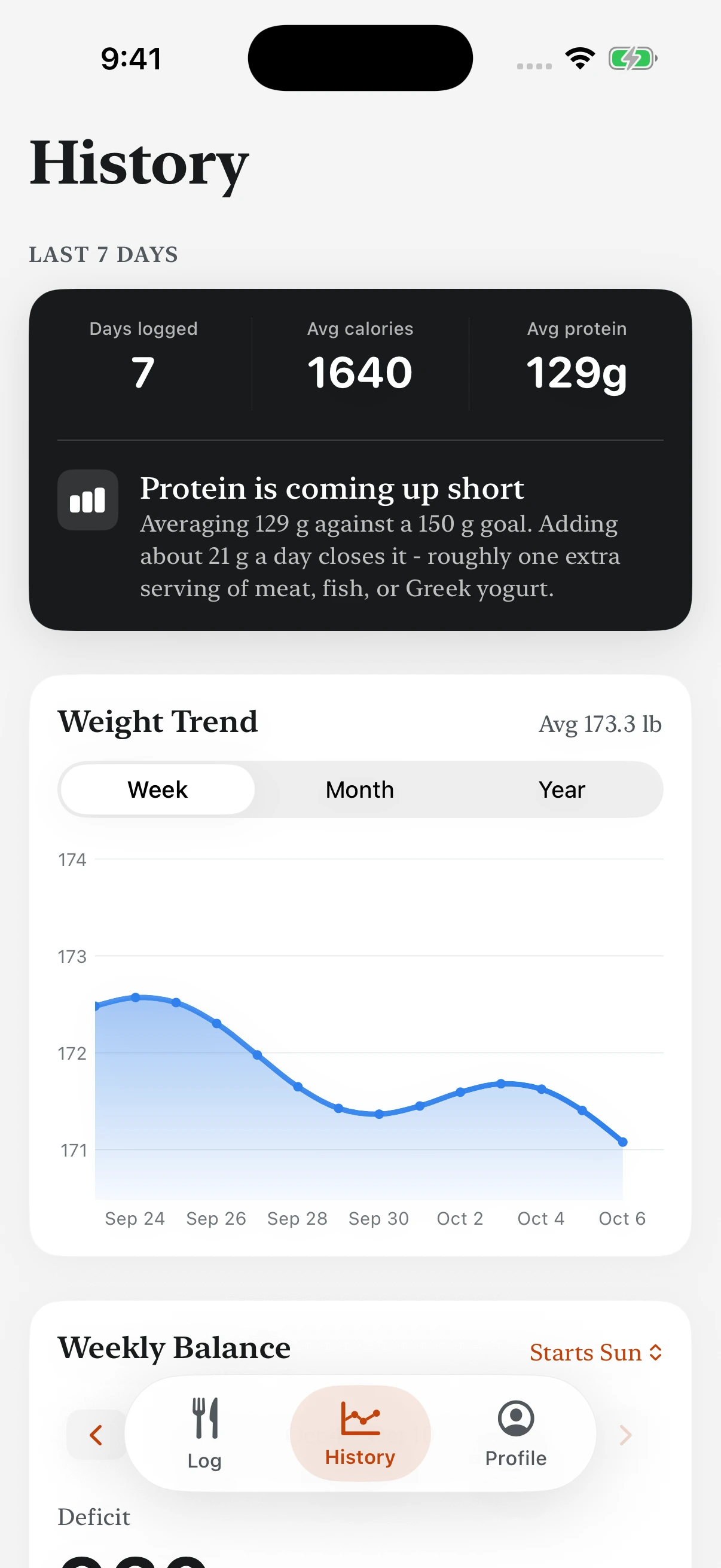
Keep protein in view and see it spread across breakfast, lunch, dinner and snacks. Set a goal or enter your own macro numbers.

With permission, share logged calories, protein, carbs and fat to Apple Health. View available weight and energy data. Connect or stop syncing in Profile.

Tap 16 oz bottles to record water. Browse the weight graph and calendar. Health weight readings can update your profile when connected.

Photo, typed description, voice, manual entry or barcode. Edit ingredients and save familiar meals.
In Add a Meal, choose Recipes to add your own recipes and record their calories and macros.

Choose an eating schedule in Profile or leave it off. Meal timestamps help you see the window; you can correct a backdated meal's time.
Plaiteful uses AI to analyze meal photos and descriptions and estimate calories, protein, carbohydrates and fat. AI can misidentify food, ingredients and portions. Review and correct estimates before logging.
Meal photos or descriptions are sent to our server and AI provider for analysis. Do not include private information you do not want processed.
Edit individual ingredients, select among ambiguous foods, change the amount eaten or enter nutrition manually.
Plaiteful is for general food tracking. It does not diagnose conditions or provide medical advice or treatment.
App Store release in preparation
Planned launch price
We are preparing Plaiteful for the App Store. This is a product preview, not a checkout. Final subscription terms will be shown before any purchase.
No. AI estimates can be wrong, especially when portion size, ingredients or preparation are unclear. Review them and use known nutrition information when available.
Yes. Edit ingredients, add or remove items, and adjust the percentage eaten. You can also analyze a photo of leftovers.
No. Apple Health is optional. Available measurements are used when present; some energy figures may be estimates based on steps and profile data and are marked accordingly.
Yes. Plaiteful supports English and Spanish, including meal description and voice workflows.
Not yet. The planned price is $3.99 per month. The App Store release, subscription details and support channels are still being prepared.